
Marketplace-to-POS integrations
Orders from every aggregator in one window and straight to the POS
Wolt Marketplace, Yandex.Eda and Glovo Marketplace send orders to ORDR, and ORDR passes them to iiko, r_keeper, 1С or Poster on its own. You change menus and stop lists in one place, in every aggregator at once.

- Glovo Marketplace₸11,700No. 12108New
- Yandex.Eda₸9,900No. 12107In POS
- Wolt Marketplace₸6,700No. 12106In POS
What marketplace-to-POS integrations solve
The pain of every chain on aggregators: three dashboards at the till and a POS where orders are re-typed by hand.
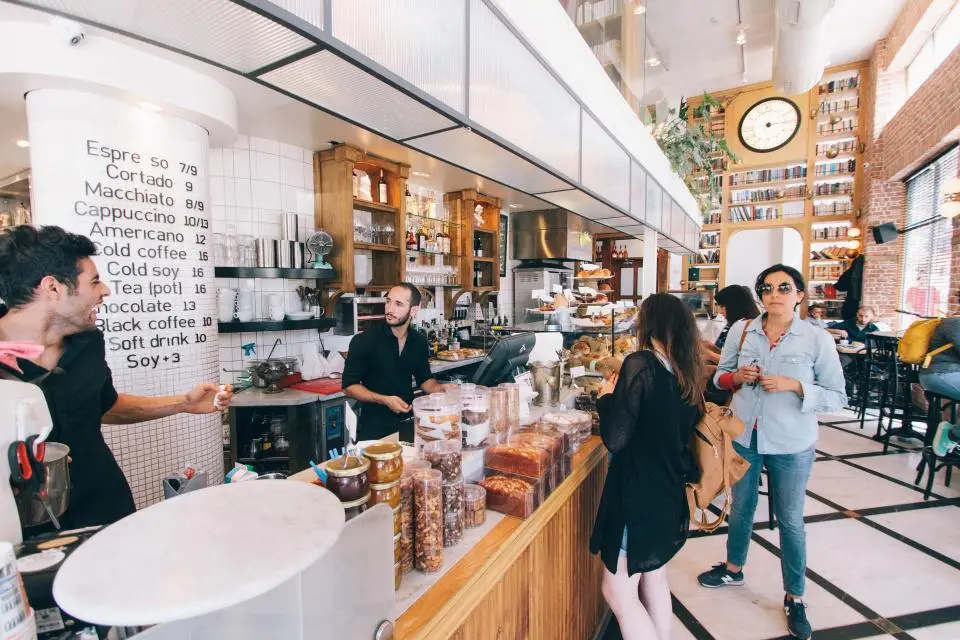
Three tablets ring at once, and the cashier re-types every order into the POS.
One window for every aggregator, and the order is already in the POS. The cashier looks after guests.
BeforeTablet orders are re-typed into the POS by hand, with modifier mistakes
AfterThe order goes to the POS on its own, with every item and modifier
BeforeStop lists are set in three dashboards, and guests order what is gone
AfterYou set the stop list once, and it applies in every aggregator
BeforePrices and menus differ between aggregators and the POS
AfterYou edit the menu in one place, and aggregators receive it on their own
BeforeThe POS went down, and aggregator orders got lost between tablets
AfterEvery order is recorded in ORDR: number, history, report
Key features
Everything a chain on aggregators needs, in one system. The product admin panel and channel reports are included.
Every aggregator in one window
Wolt Marketplace, Yandex.Eda and Glovo Marketplace orders on one board, filtered by aggregator and location.
Orders go to the POS on their own
iiko, r_keeper, 1С or Poster receive items, modifiers, payment and comments. The kitchen cooks from the POS as usual.
Menu from a single point
Edit dishes, prices and photos once, and aggregators receive the changes on their own.
Stop lists for every aggregator
One action instead of three dashboards: guests cannot order what is out of stock.
From the Chain plan
Statuses both ways
“Accepted”, “cooking”, “ready” go to the aggregator on their own, and the aggregator’s courier arrives for a ready order.
Two-way sync with the POS from the Chain plan
Orders as your own records
Each order has an ORDR number and history. If the POS goes down, the order is still in the feed, reports and exports.
Channel reports
Revenue and orders for every aggregator and location, exported in one click.
Any POS to any external service
A CRM, fintech or your own development connects through one protocol. ORDR maintains the integration with each POS, errors and retries.
How it works
Let’s follow one order: from the button in the aggregator to the report. Not a single manual step.
Sample timeline for order No. 12107
- Yandex.Eda
A guest ordered a combo for two and a lemonade for ₸9,900
- ORDR
Order No. 12107 is on the board with its history open
- iiko
The order is in the POS, the kitchen sees items and modifiers
- Yandex.Eda
The “Accepted” status went to the aggregator on its own
- Kitchen
“Ready”: the aggregator calls a courier for the ready order
- ORDR
The order is closed and counted in the Yandex.Eda channel report
Build your connection
Pick your POS and what to connect it to. Every pair works, and your request goes out with the connection already filled in.
Orders →to the POS
← Menu, stop liststo aggregators
Statuses ⇄both ways
iiko ⇄ Wolt Marketplace, Yandex.Eda
This connection works, we will set it up
Other ORDR products
They run on the same order board. The usual next step after marketplace-to-POS integrations is your own channel, where the guest base grows with you.
- DirectApps and a website under your brand with no aggregator commission
- In store serviceOrders and payment from the table straight to the POS
- ORDR CRMOrders from WhatsApp and Telegram straight to the POS
- Delivery serviceOwn couriers and the cheapest external pickup
- Analytics and marketingChannel reports, segments, campaigns
- ORDR PayCards, Kaspi Pay, Apple Pay and fiscal receipts
Get the tablets off your till
We will show the integration on your menu and your POS and work out the cost for your number of locations.